Inbox
The Inbox is where we send you one-way messages to inform you about important activities, updates, or changes happening within the product.
What kind of messages will you receive?
- New feature announcements
- Product updates
- System maintenance notifications
How to access your Inbox
Step 1: Open the Inbox
Select your profile picture at the bottom of the left menu, then Inbox.
Step 2: View your messages
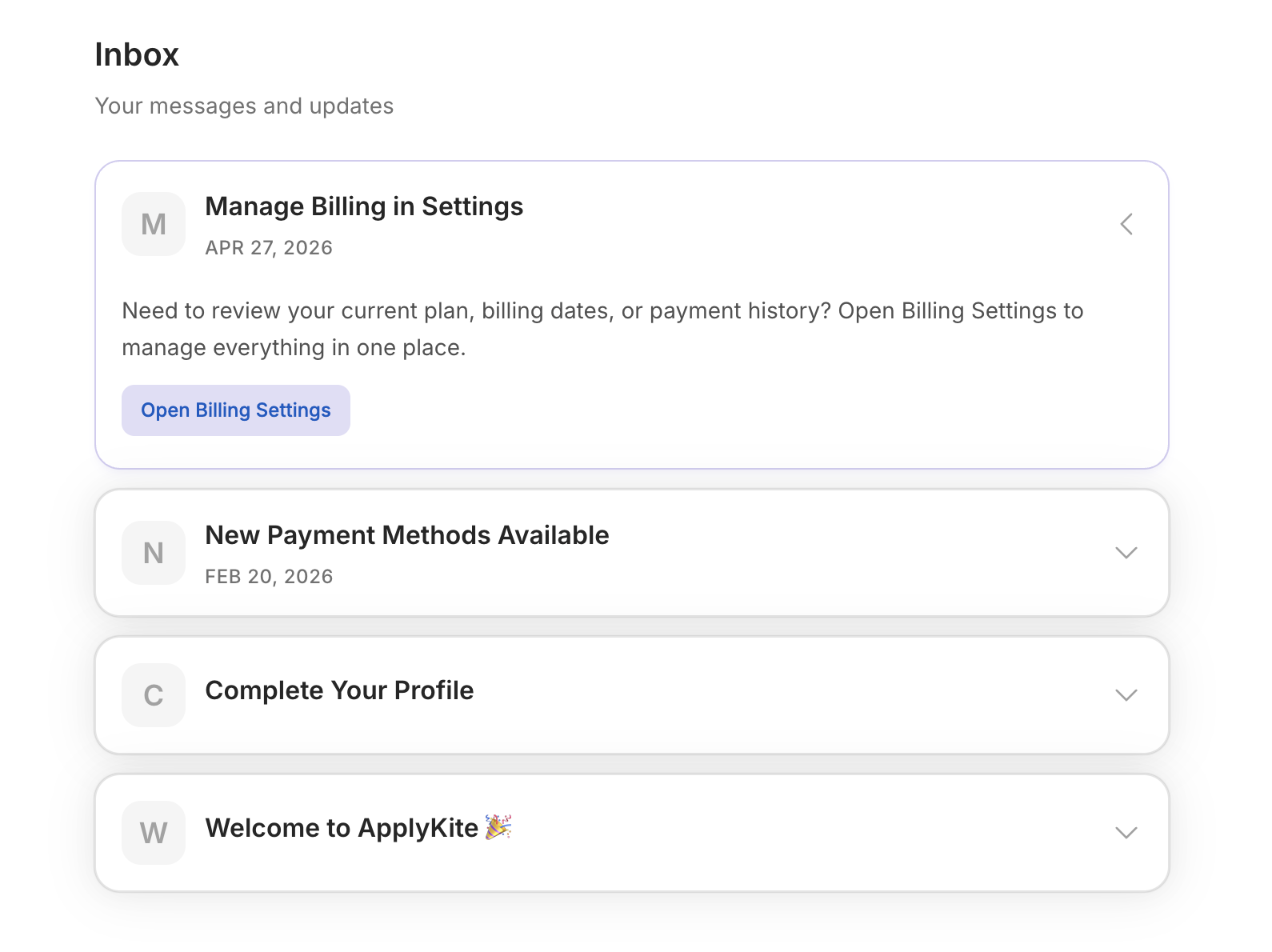
A list of all announcements and system messages will appear, sorted by date (newest first).
Step 3: Read a message
Click on any message to expand and read the full content.
Important notes
- Messages in the Inbox are read-only (one-way communication)
- You cannot reply to these messages
- Old messages are kept for your reference and will not be deleted automatically
- To get in touch with our team, use the live chat at the bottom right of the page, or email [email protected]