How to Use the ApplyKite Affiliate Marketing Panel
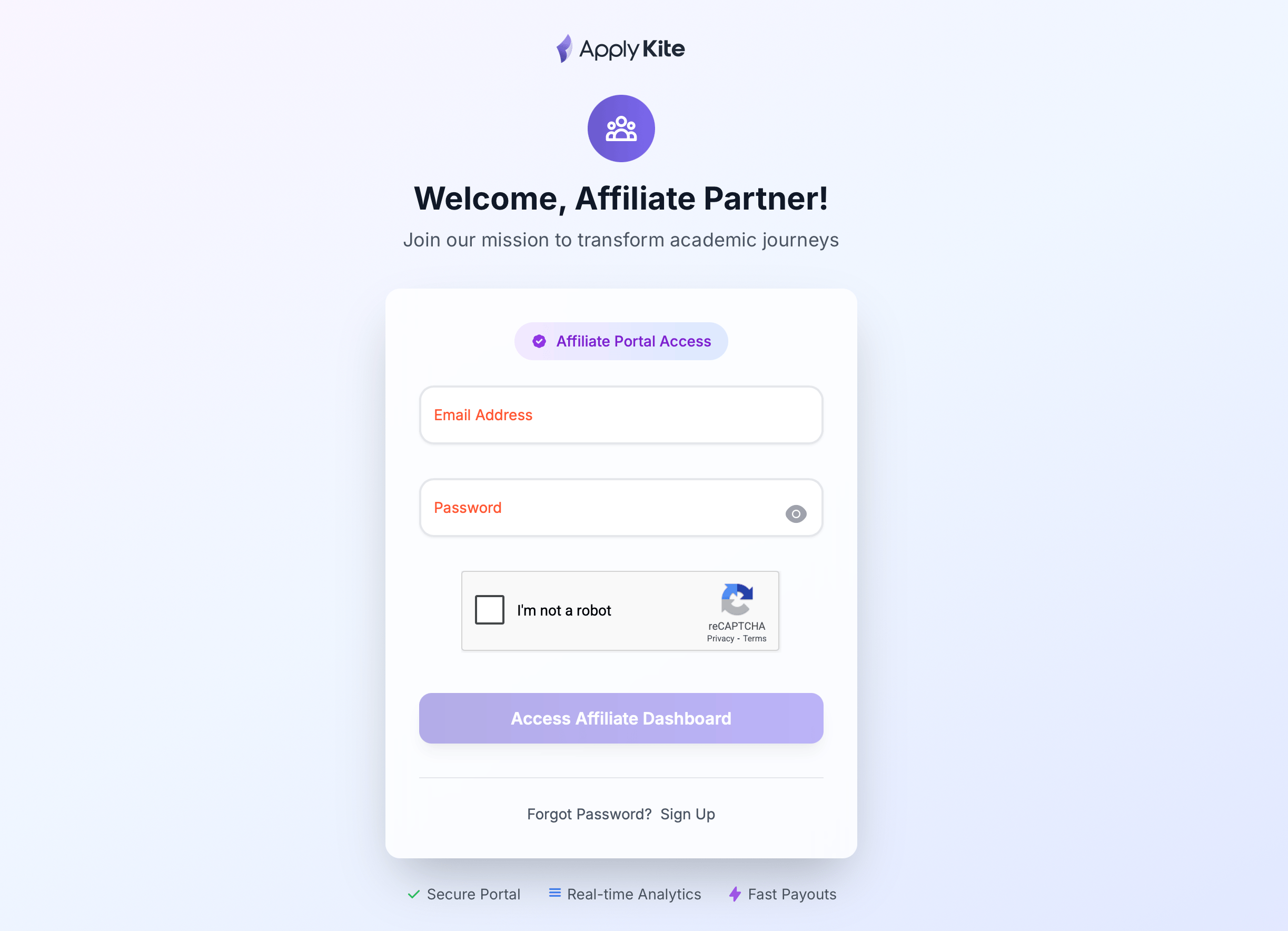
Registration
To register for the ApplyKite affiliate marketing service, first create an ApplyKite account using the link below:
After creating your account, you can access the affiliate dashboard here:
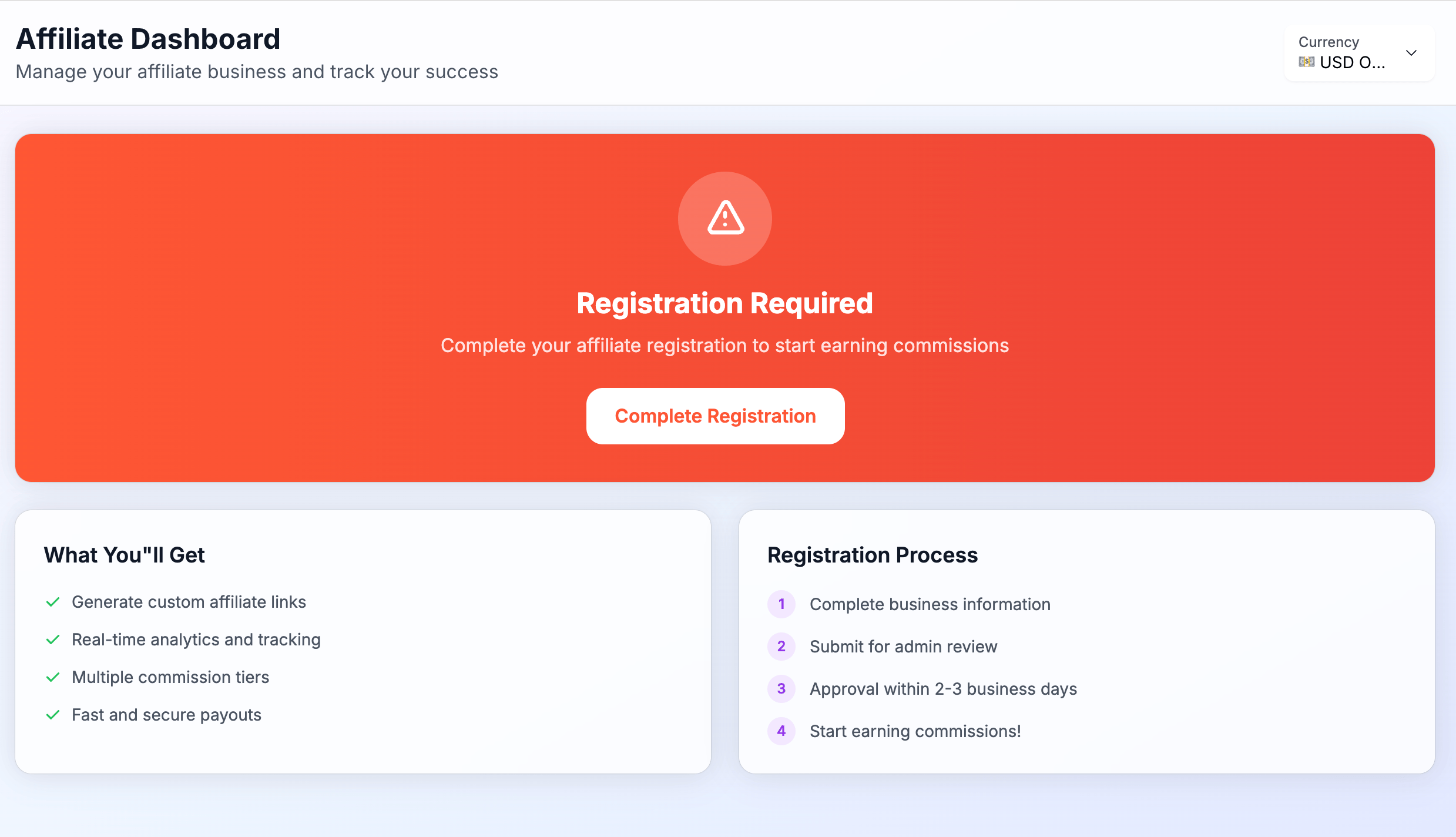
Note: Your account is inactive by default. You need to complete your information and submit your request. Your account will be activated after review.
Dashboard
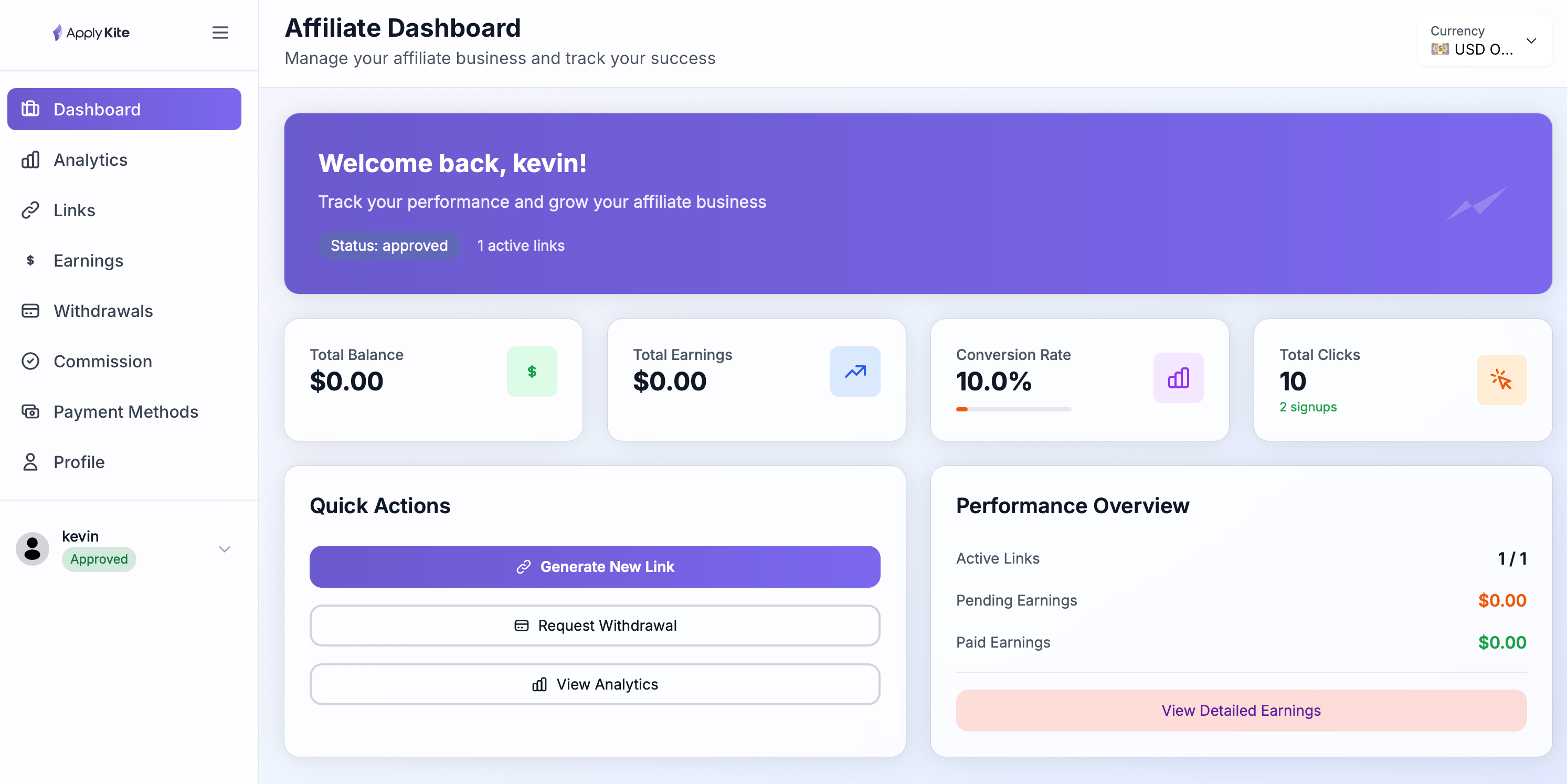
Here you get an overview of your account.
You can quickly see how many people visited through your links, how many sign-ups were made, how much revenue you generated, and how much is approved or under review. For a quick performance check, always start here.
Analytics
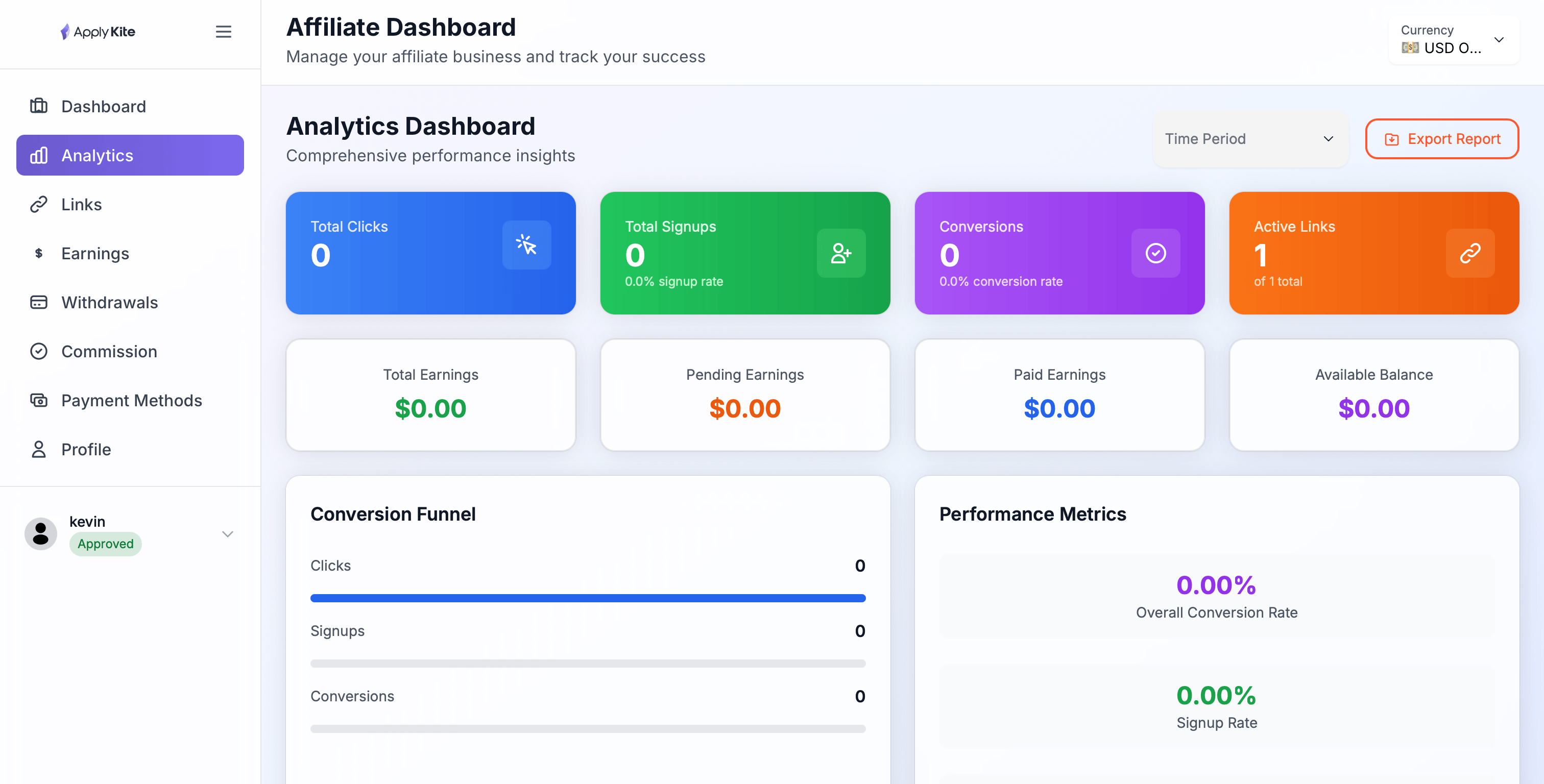
If you want to see detailed performance, this section is helpful.
You can track clicks, conversion rates, performance of each link, and your growth trends. This data helps you understand which content or channels work best and optimize them.
Links
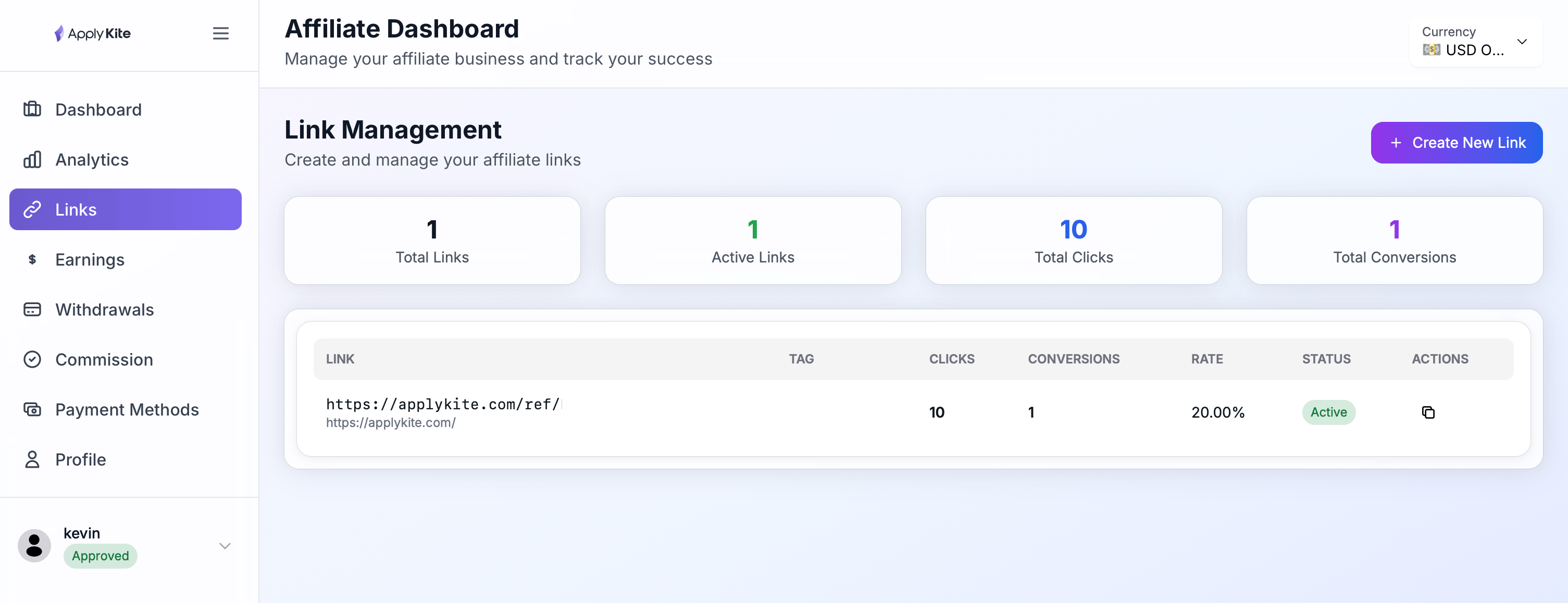
Here you can create and manage your affiliate links.
You can have separate links for different ApplyKite pages, copy them easily, and share them anywhere. Any user coming through these links will be attributed to you.
Earnings
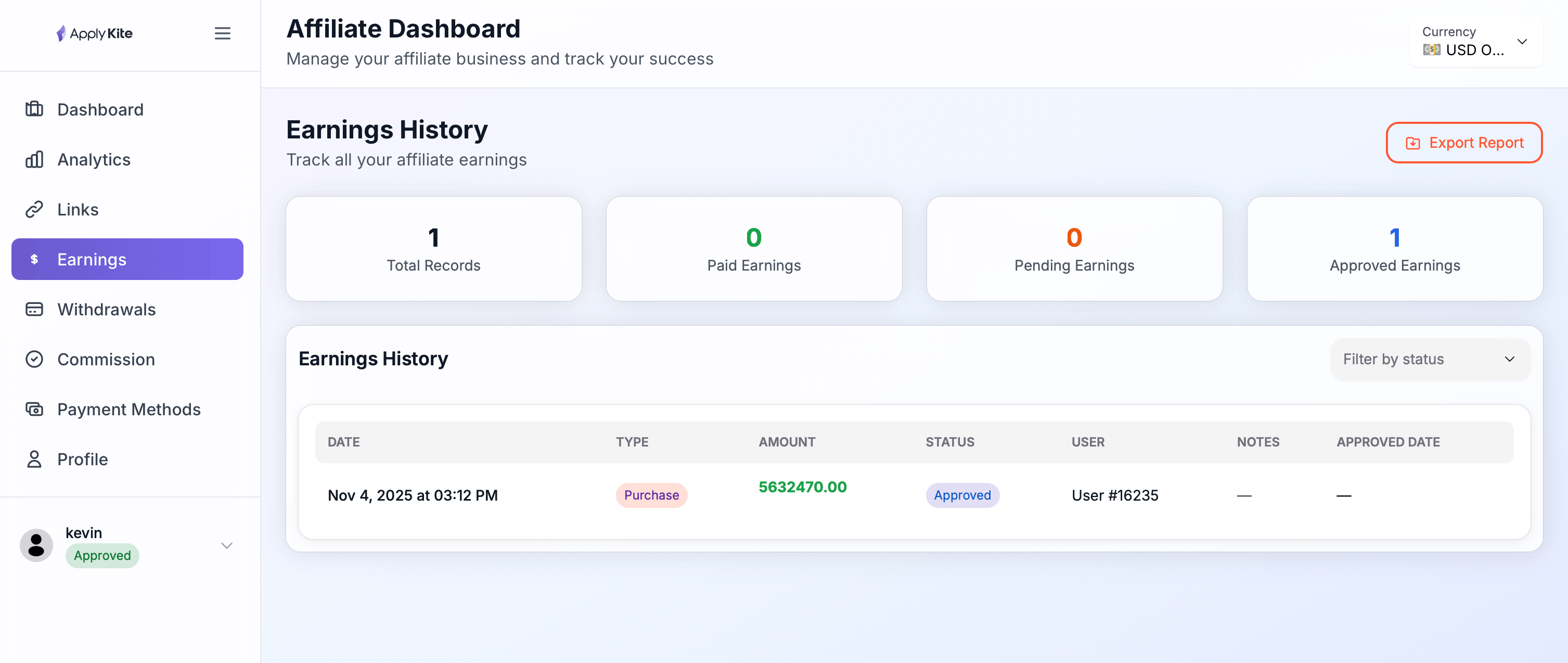
In this section, you can see your earnings in detail.
Track how much commission you earned, how much is approved, and how much is still under review. For a detailed breakdown of where your income comes from, check here.
Withdrawals
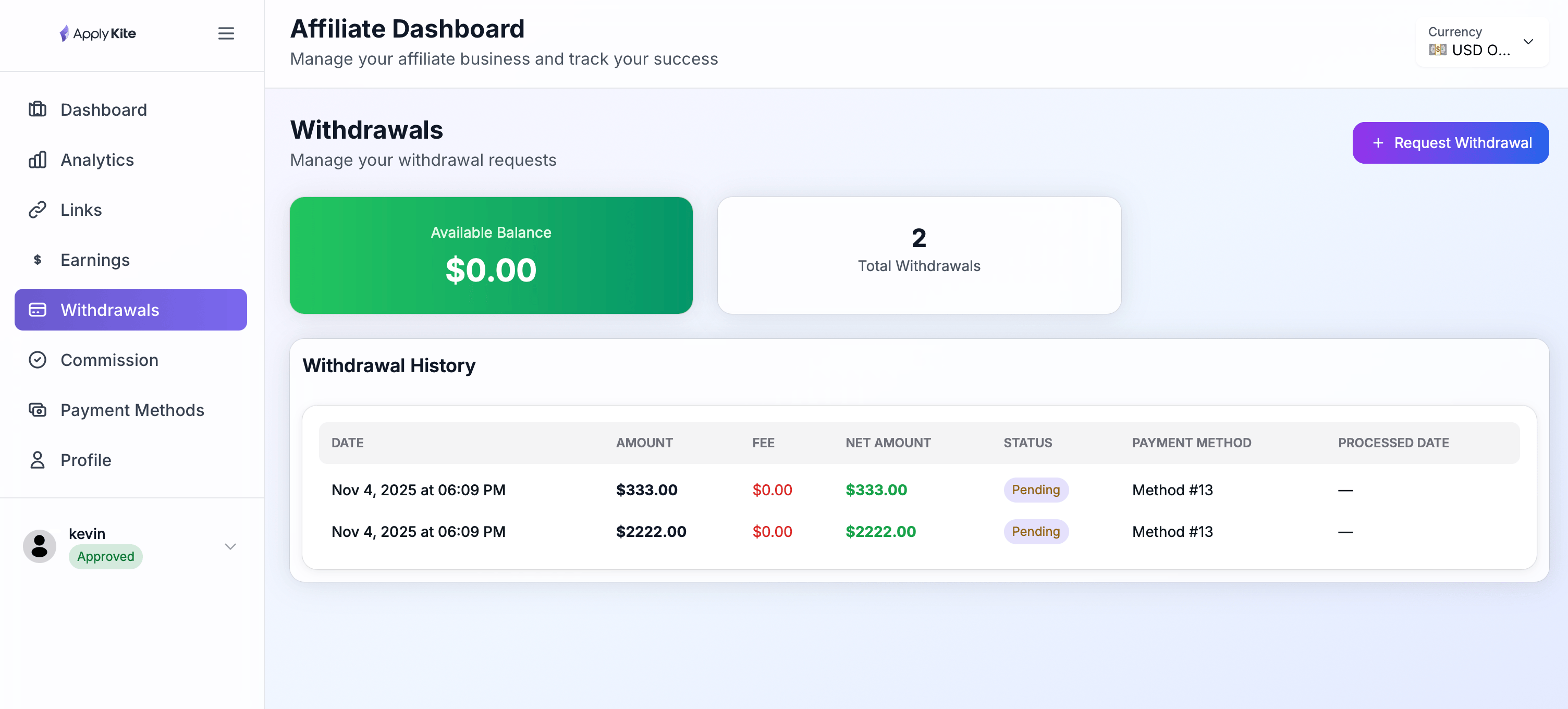
Once you reach the minimum withdrawal amount, you can request a payout here.
You can also see your withdrawal history and the status of each request (under review, paid, etc.).
Commission
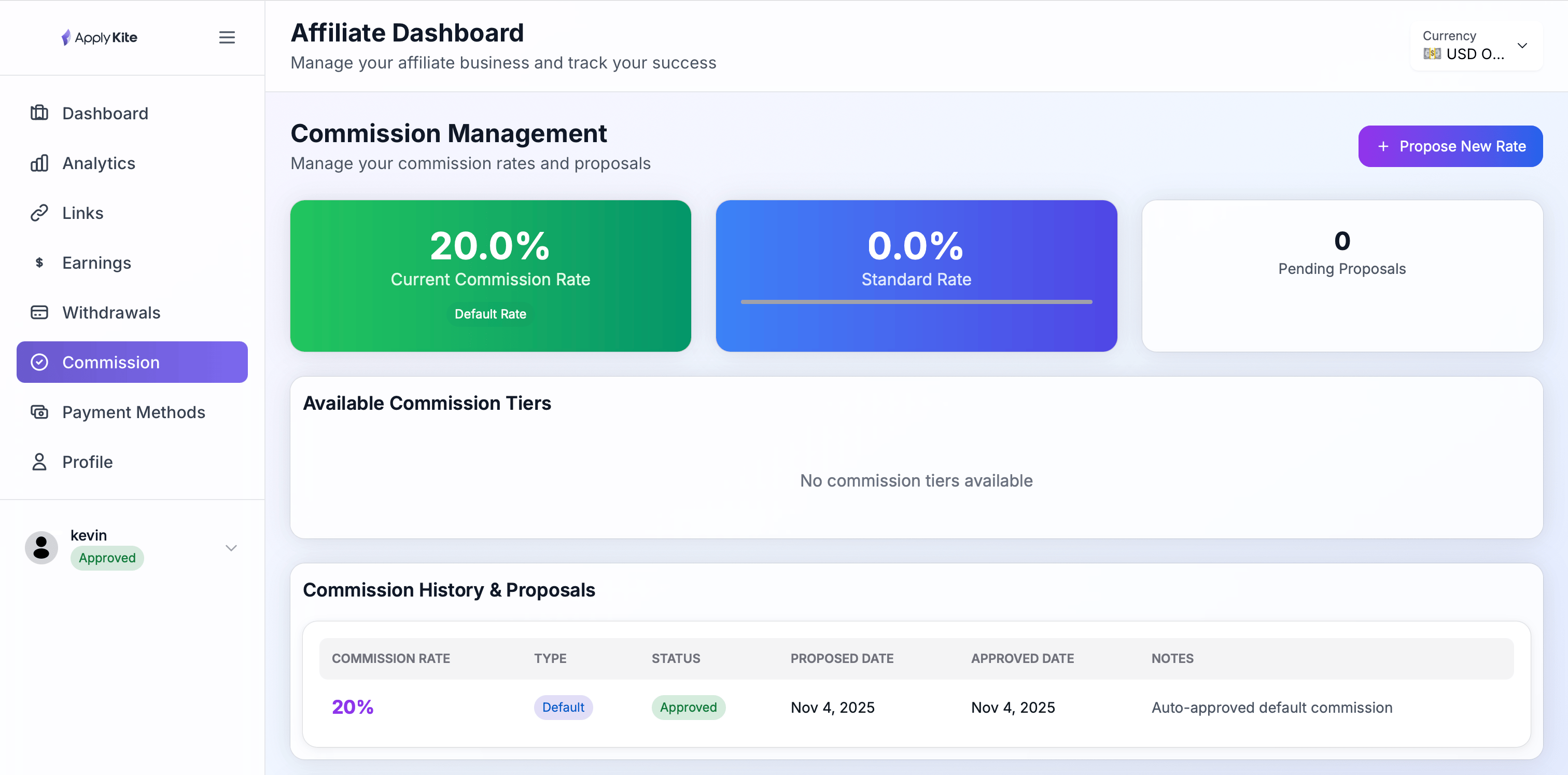
Here you can view commission rates and payment structure.
See the percentage of commission you earn, which plans it applies to, and the conditions for commission approval.
Payment Methods
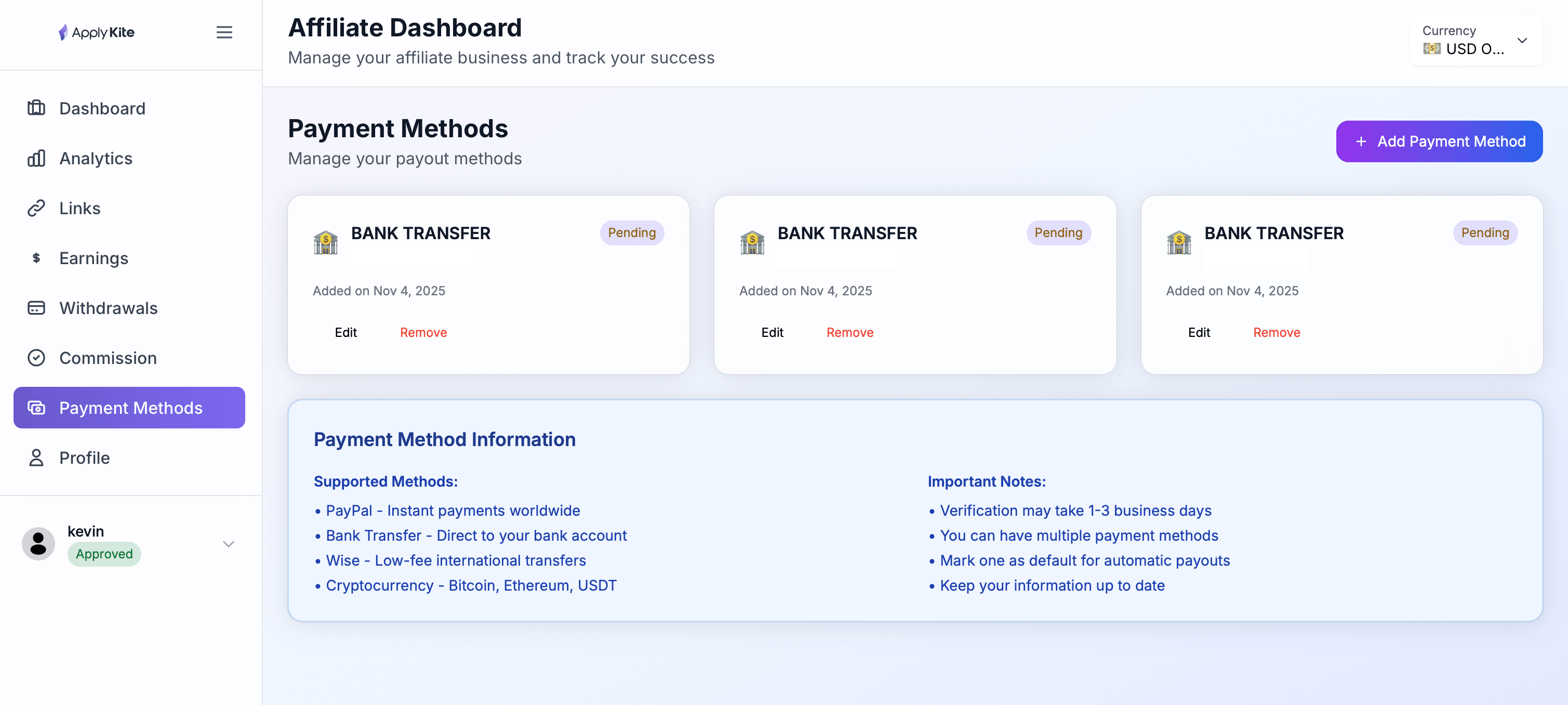
Register or edit your payment method here.
Set up your bank account or any payment method supported by the platform to avoid issues during withdrawal.
Profile
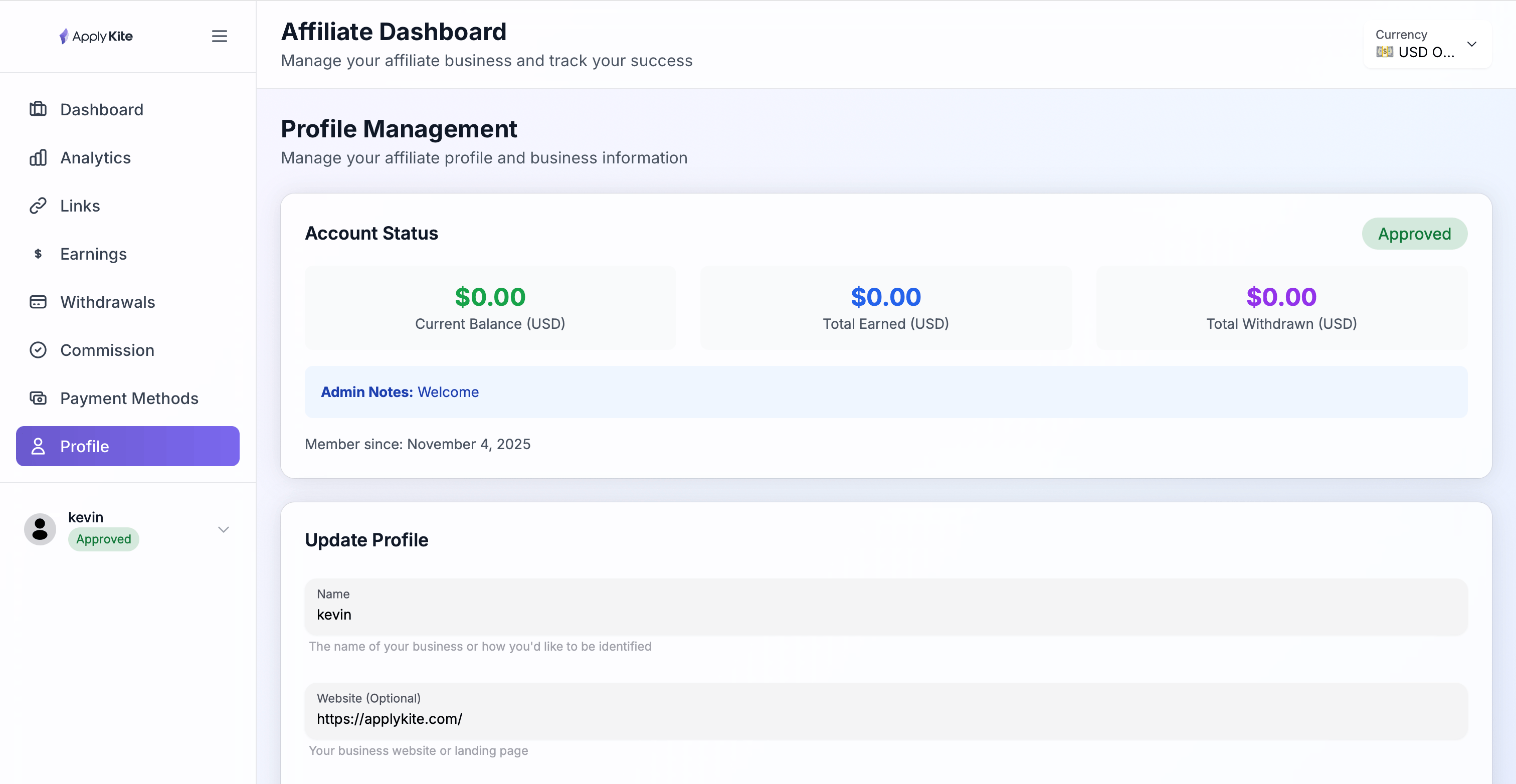
Manage your account information here.
You can edit your details, adjust settings, and check your account status (e.g., verified).
Support
If you have any questions, you can contact us via email: [email protected]