Create your account and log in
You can use ApplyKite with your Google account or with your email and a password. Both are free.
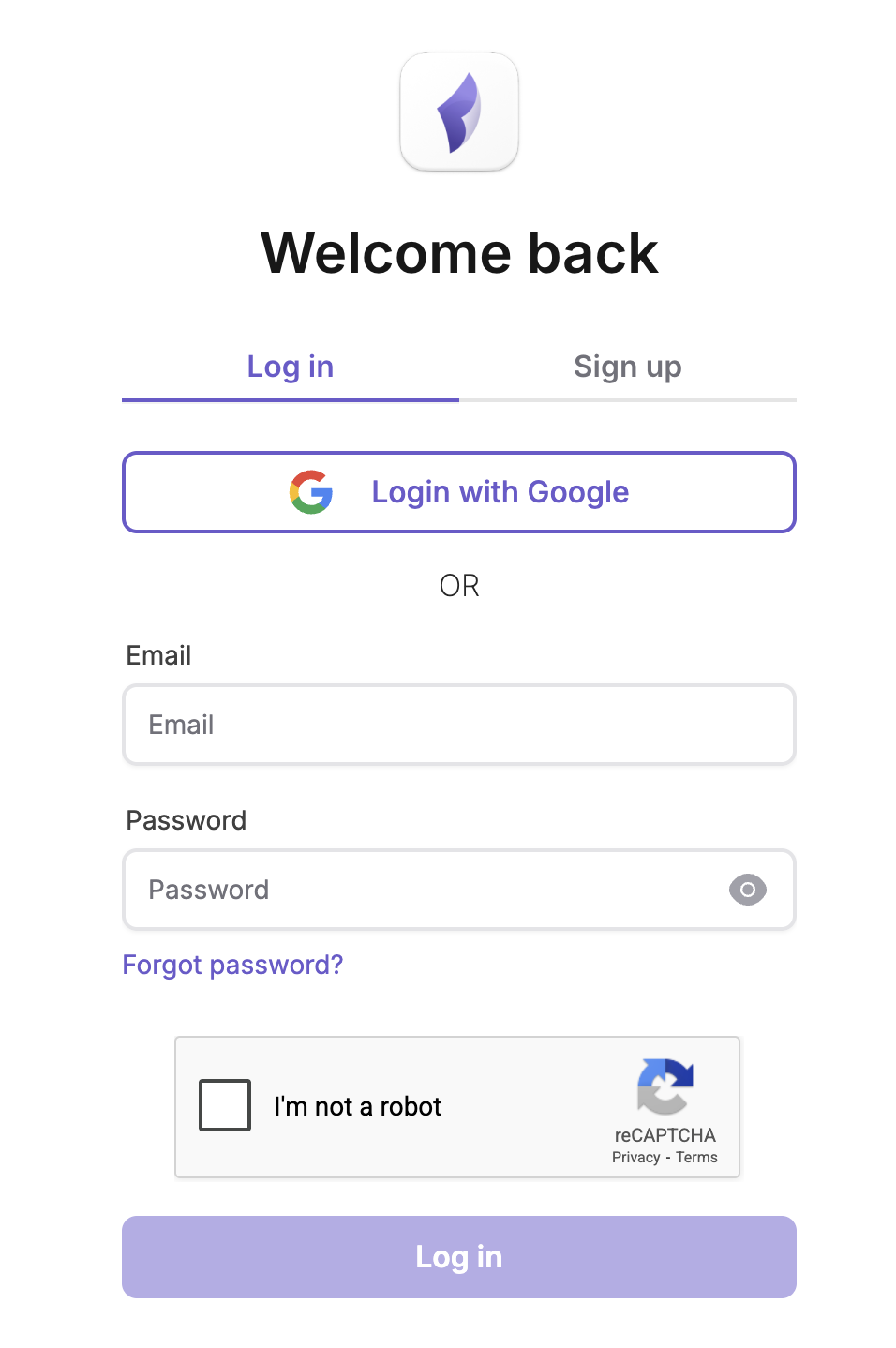
Sign up
With Google
Select Continue with Google and choose your account. That's all: no password to remember.
With your email
- Open the Sign up tab.
- Enter your email. We send a PIN code to it.
- Enter the PIN code, then choose a password and type it again.
Your password needs at least 8 characters, with upper and lower case letters, a number and a symbol.
After signing up, ApplyKite asks a few questions to set your goals.
Log in
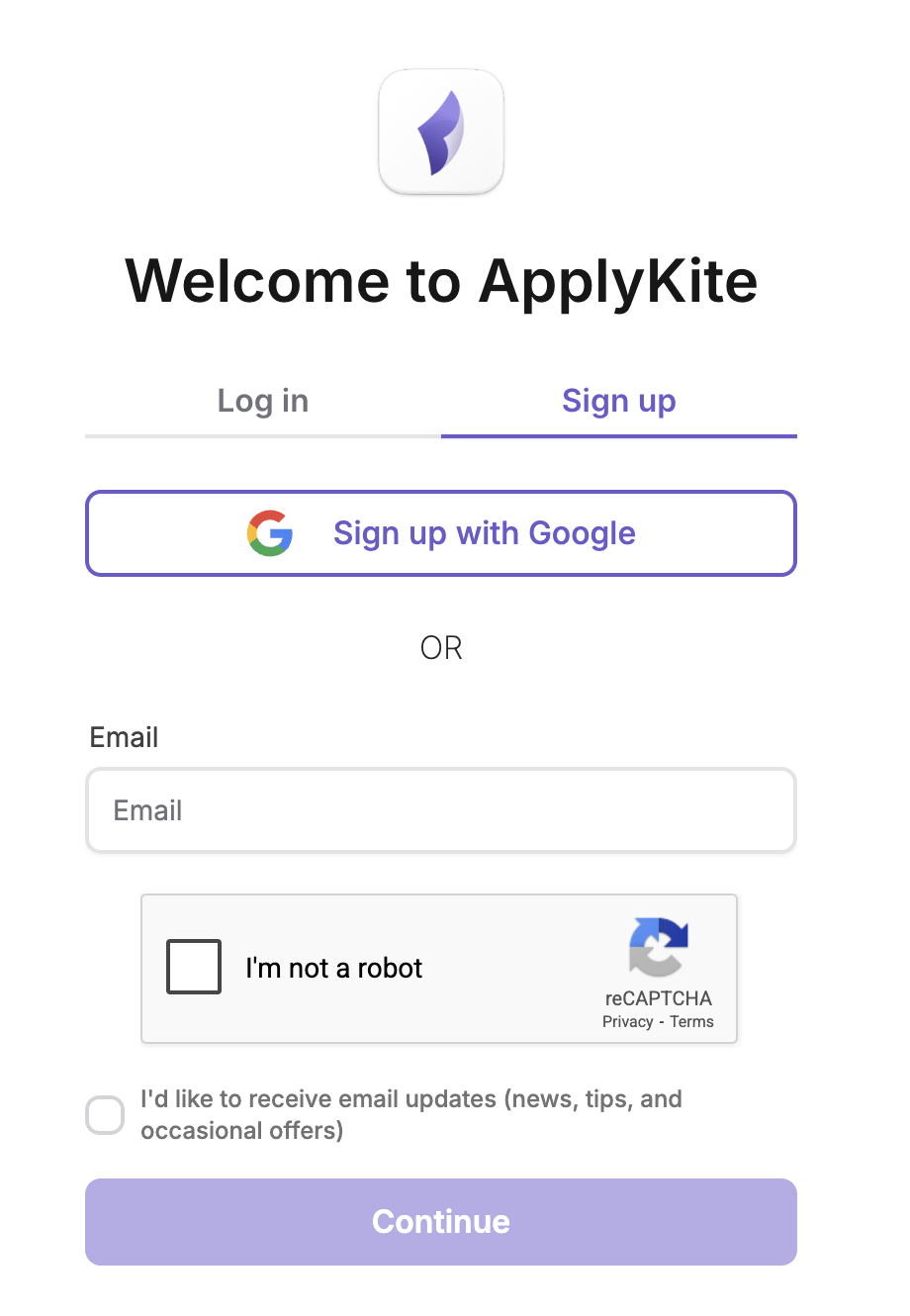
- Google: select Continue with Google.
- Email: enter your email and password, then Log in.
Forgot your password?
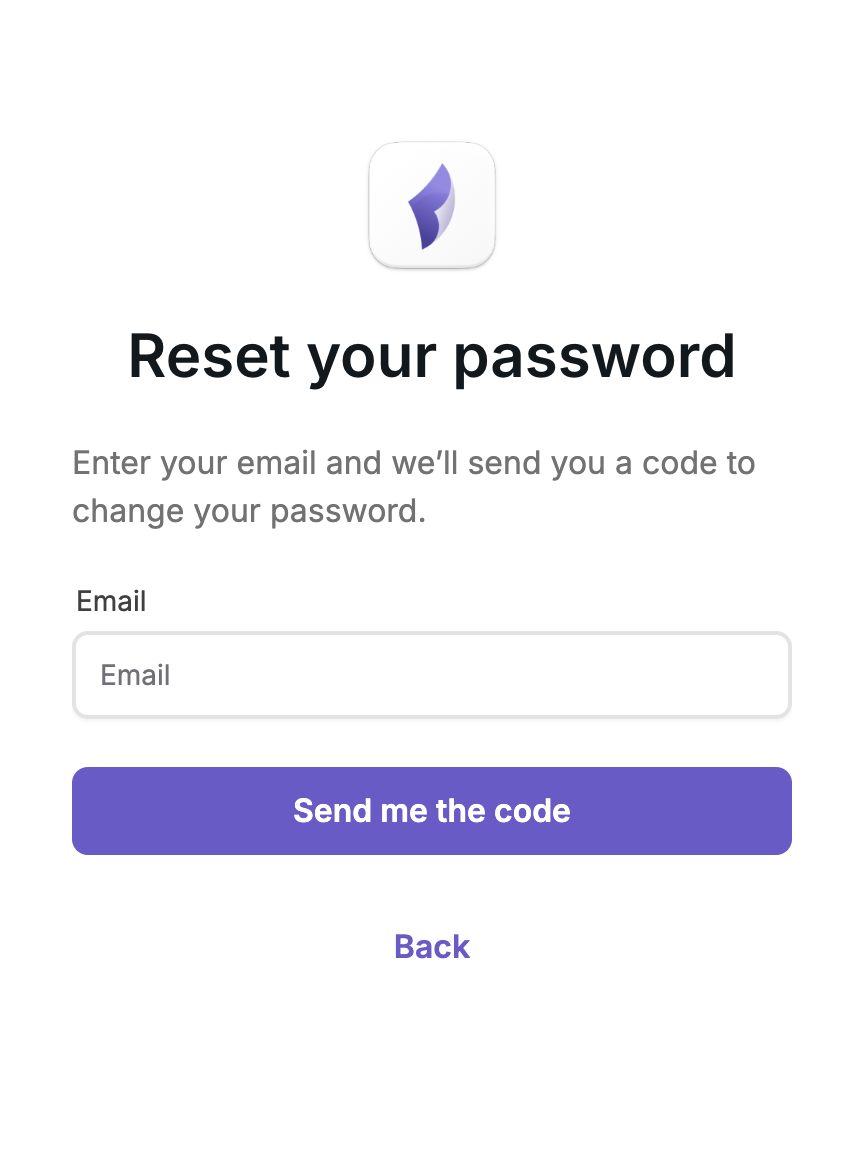
- On the log-in page, select Forgot password?
- Enter the email you signed up with.
- Enter the PIN code we send you and choose a new password.
Questions
The PIN code hasn't arrived. Check your Spam or Promotions folder, then try again. If it still doesn't arrive, email [email protected].
I signed up with Google. Can I log in with a password? Keep using Continue with Google. Your account is the same either way.