Your Home
Home is the first page you see after logging in. It shows where you are in your application and what to do next.
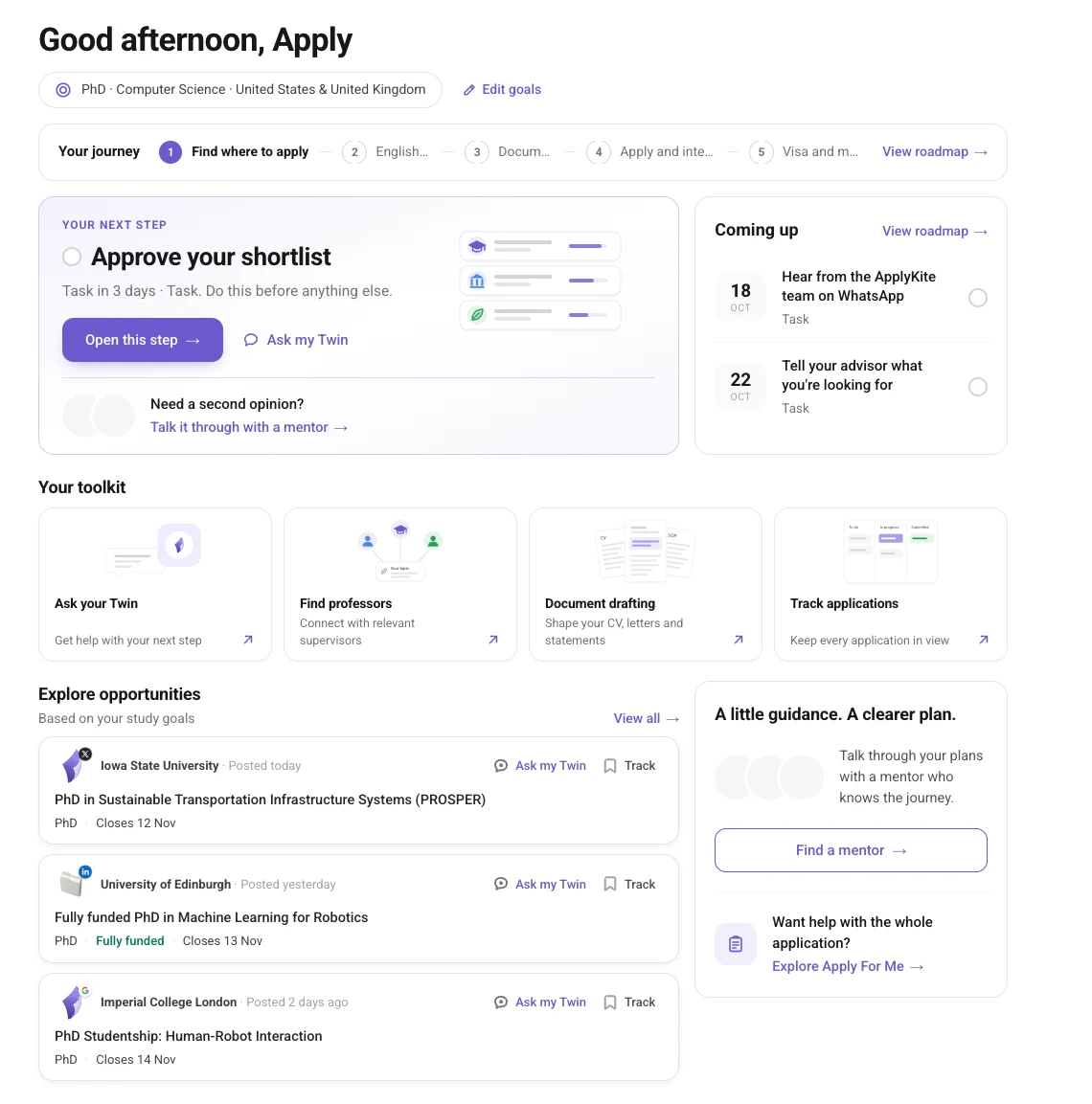
Your goals
The line under the greeting shows your goal, for example PhD · Computer Science · United Kingdom. Select Edit goals to change it. Your roadmap and suggestions update to match.
Your journey
The bar across the top shows the five stages of your roadmap:
- Find where to apply
- English test
- Documents
- Apply and interview
- Visa and moving
The stage you're on is highlighted. Select View roadmap to see every task.
Your next step
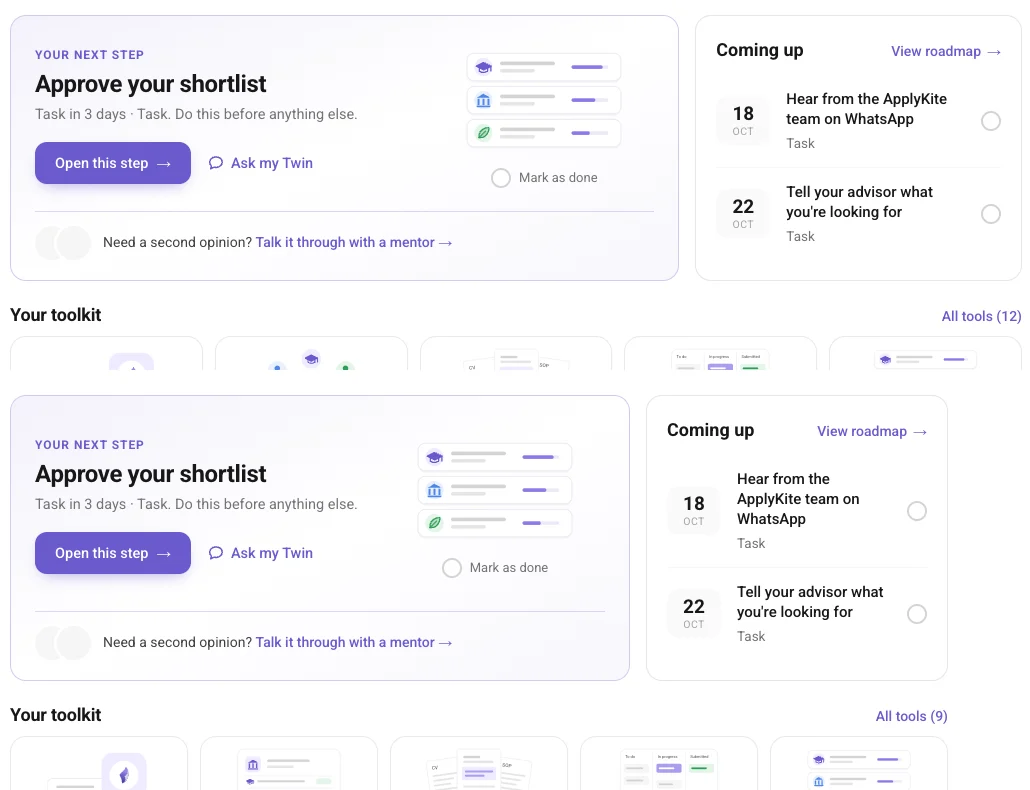
The large card is the one thing to do now, for example Approve your shortlist.
- Open this step takes you straight to it.
- Ask my Twin opens ApplyKite Twin with the step already in the message.
- Talk it through with a mentor finds a mentor if you'd like a person's view.
Coming up lists the next tasks and their dates. Tick a task when it's done.
Your toolkit
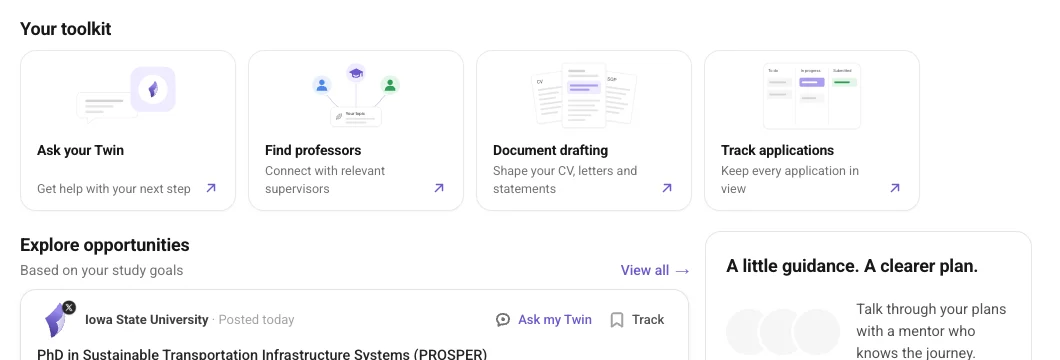
Shortcuts to the tools you'll use most: ask your Twin, find professors, draft your documents and track your applications.
Explore opportunities
New positions and scholarships that match your goals. On each one:
- Ask my Twin: ask about it, check your eligibility or draft a document for it.
- Track: add it to your Tracker.
Select View all for the full list.
Guidance
At the bottom right you can find a mentor, or explore Apply For Me if you'd like our team to handle the whole application.
Your plan
Your current plan is shown at the bottom of the left menu, for example Free, Premium or Pro. See Plans and credits.