Account Settings
To access your account settings, click on your profile and then select Setting.
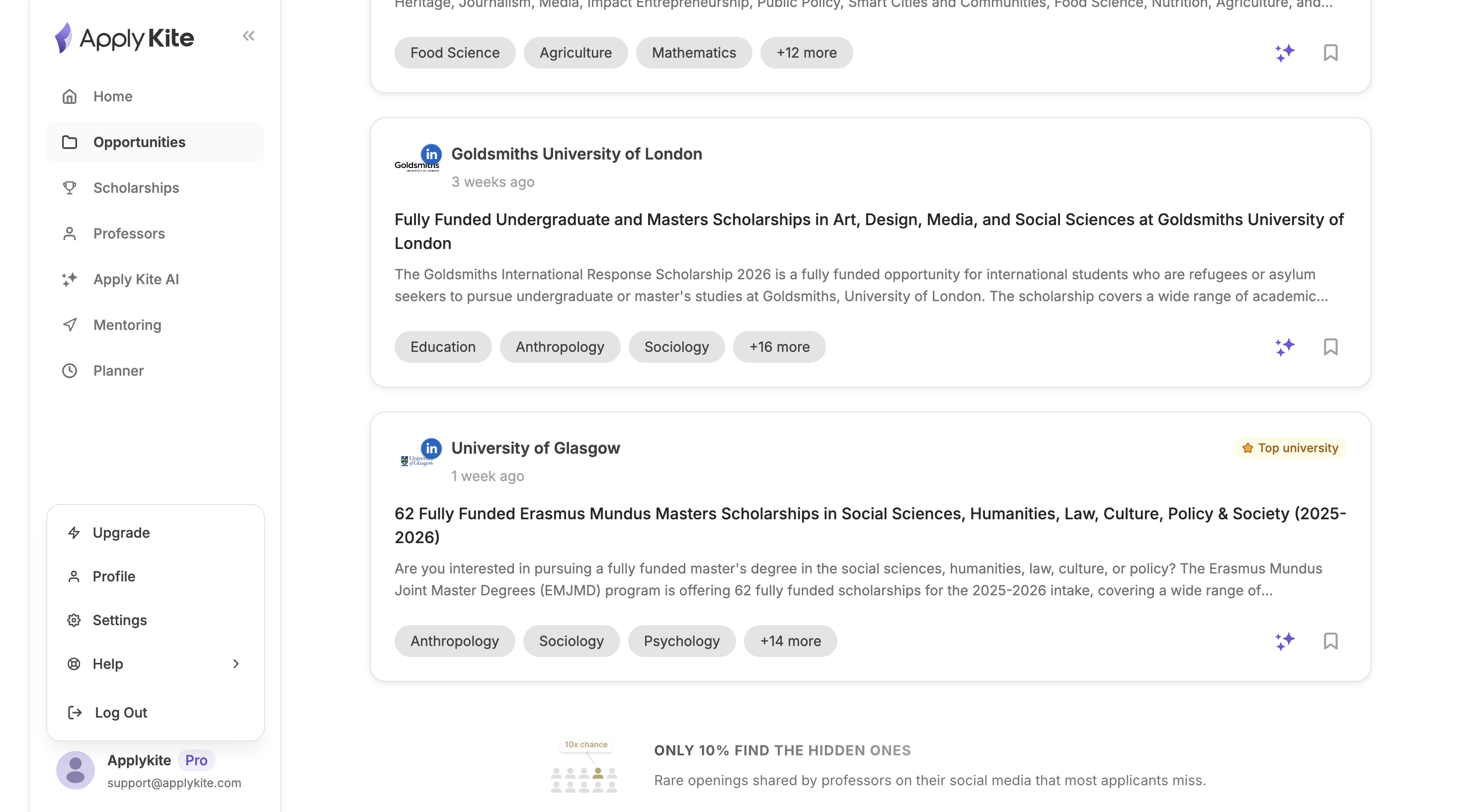
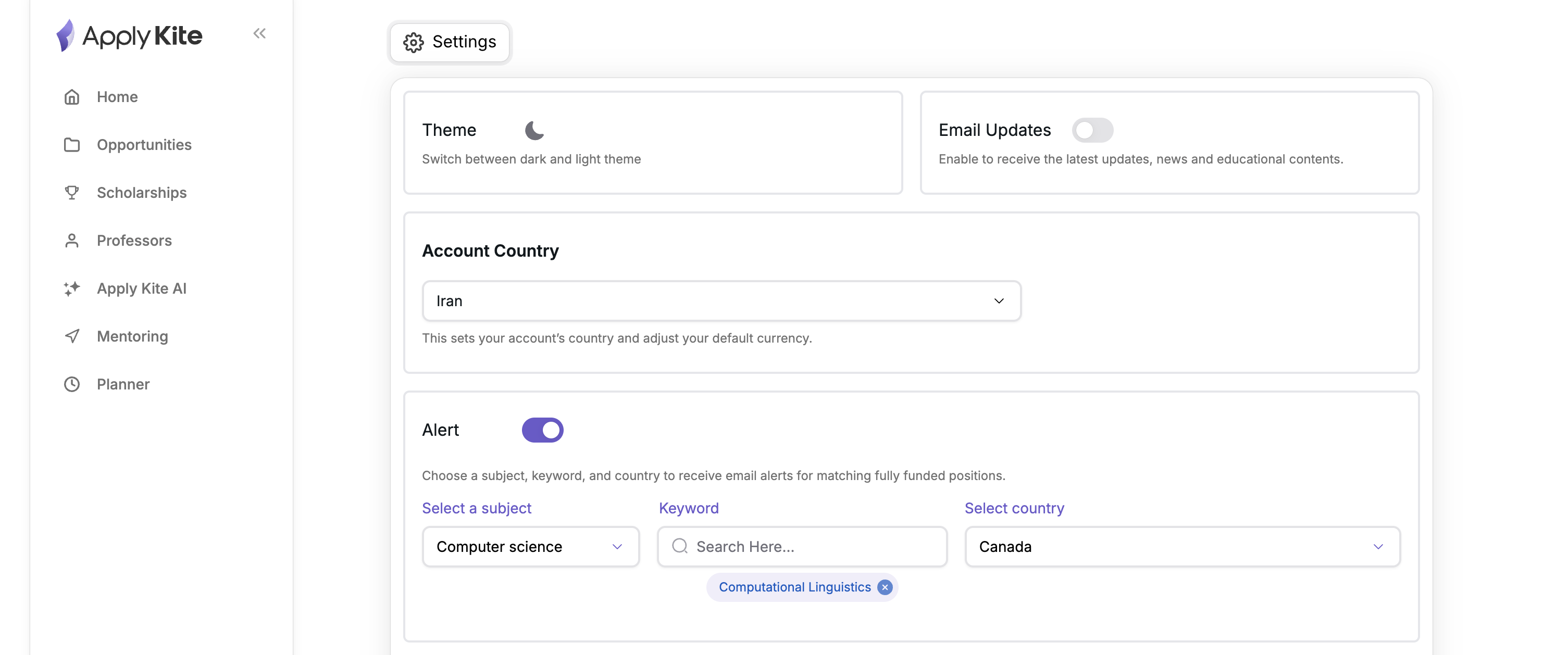
In the Account Settings section, you can manage different options related to your experience on ApplyKite.
✉️ Newsletter
By enabling this option, you can receive our newsletter.
Newsletters may be sent daily, weekly, or monthly and may sometimes include discount codes or special offers.
🎨 Theme
You can choose between Light or Dark mode to personalize your experience.
🔍 Position & Professor Filters
You can filter academic positions or professors based on your preferred keywords and countries so that new matching opportunities are sent to your email daily.
🔐 Reset Password
If you have forgotten your account password, you can click on Reset password to update it.
Delete Account
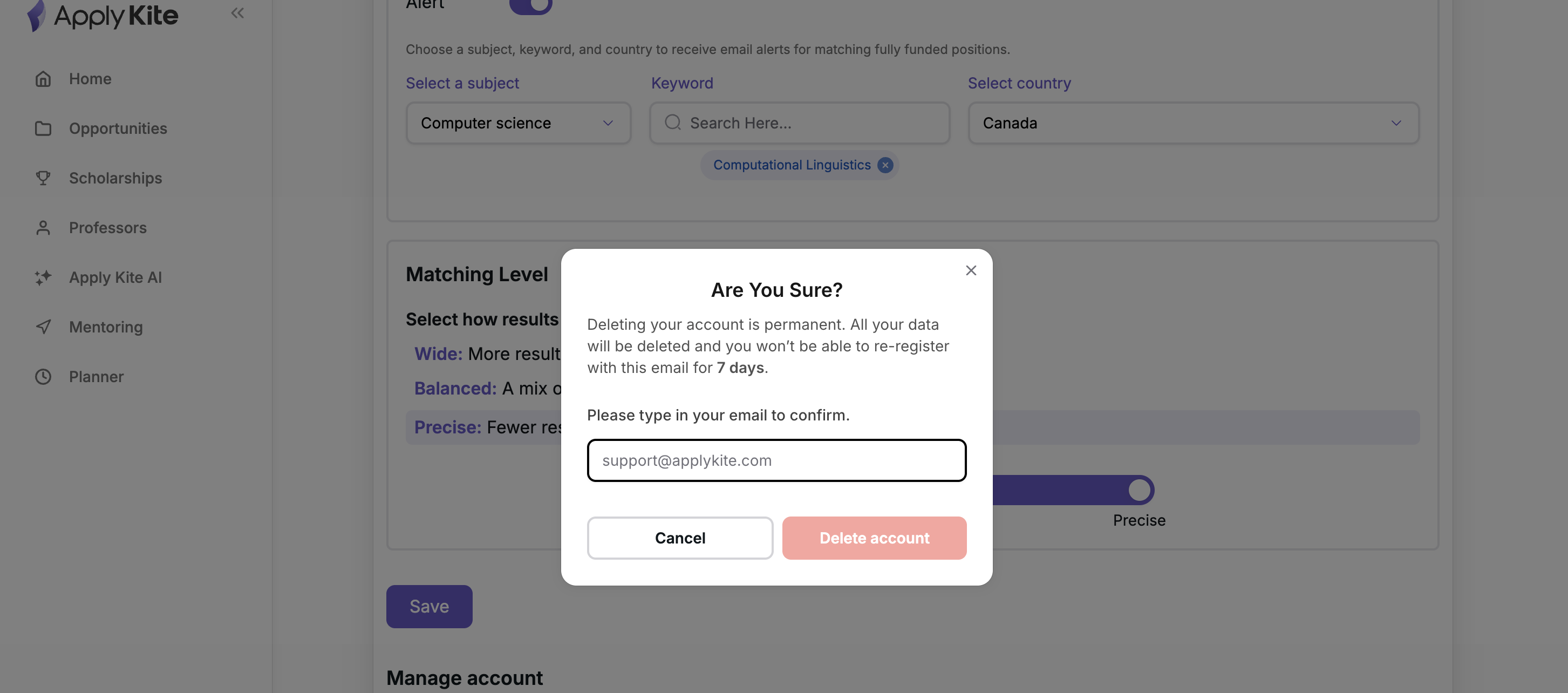
If you would like to deactivate your ApplyKite account, you can use the Delete account option.
Simply click on Delete account and follow these steps:
- Enter your email address in the form.
- Please note: After submitting your request, all your account information will be permanently deleted and cannot be recovered.
How Many Applications Should You Submit?
The number of applications you should submit depends on your goals and the level of competition, but generally it is recommended to apply to 10 to 20 high-quality applications. If the programs are highly competitive or fully funded, increasing this number to 20 to 50 can improve your chances of acceptance. However, quality and personalization of each application are always more important than quantity.
Frequently Asked Questions
Why am I not receiving any emails?
Your emails may have been delivered to your Spam or Promotions folder. Please check these folders and adjust your email settings if necessary.