Profile (Account Details)
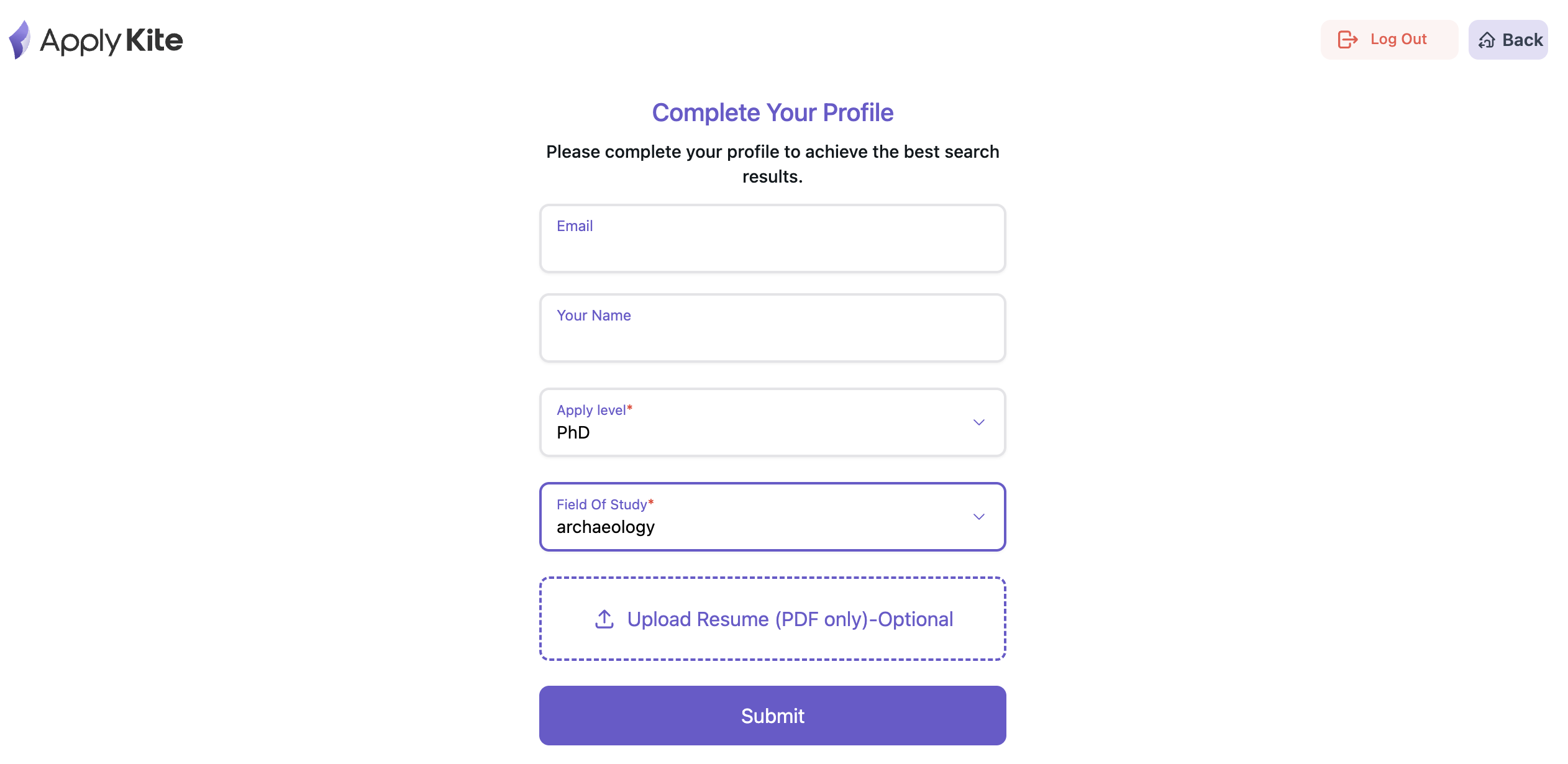
To access your profile settings, navigate to this page through the profile menu in your dashboard.
Note: Your email address cannot be changed.
On the Profile page, you can update the following:
- First name & last name
- Field
- Study level
- CV / Resume
Account FAQ
Can I edit my account details?
Yes. You can change parts of your profile such as your name, field, study level, and your CV.
Just note that your registered email address cannot be changed.
What if I forget my password?
On the login page, click Forgot password and you’ll receive a password reset link by email.
Can I upload multiple CVs?
Currently, you can upload only one CV. However, you can replace or update it anytime.