Opportunity alerts
Describe what you're looking for once, in your own words, and get new matching openings by email.
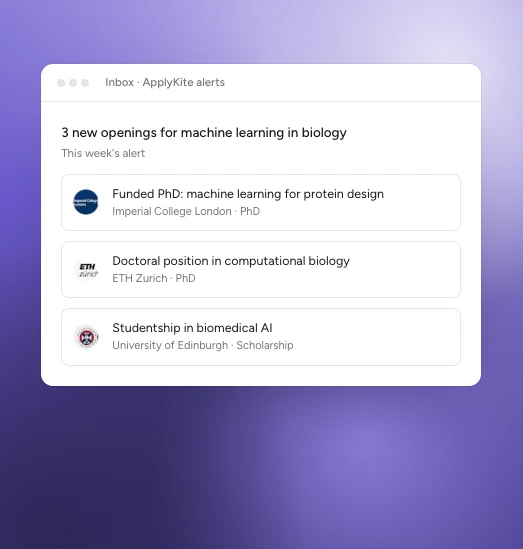
An example.
Create an alert
- Open Alerts in the left menu (or Settings → Notifications).
- Describe what you want, up to 600 characters, for example "Funded PhD in machine learning for medical imaging, with a supervisor who works on MRI." Alerts search by meaning, so write it as you'd say it.
- Choose the study level and countries.
- Choose how close the matches should be: Close match, Balanced or Explore.
- Choose how often to get emails.
You can also ask ApplyKite Twin: "Email me new PhD openings in robotics in Germany." It asks you to confirm before setting it up.
How many alerts
| Free and Premium | Pro | |
|---|---|---|
| Alerts | 1 | Up to 3 |
| Emails | Weekly | Daily or weekly |
| Matches per email | Up to 3 | All of them |
| Alert history | — | Yes |
See Plans and credits.
Stop or change an alert
Edit or delete an alert from Alerts. To stop other emails from us, turn off ApplyKite news in Settings → Notifications.