Your Tracker
Your Tracker is the one list of everything you're applying to: positions, professors and scholarships. Each one has its status, your notes, your eligibility and the documents you made for it.

An example.
Open it from Tracker in the left menu.
Add to your Tracker
- Select Track on any position, professor or scholarship, on its page or on your Home.
- Ask ApplyKite Twin, for example "Track this position" or "Save the three professors at Edinburgh."
- When the Twin asks "Did you apply?" and you answer yes, the item is added as Applied.
The list
- Tracking shows what you're working on; History shows what you've opened before.
- Switch between Positions, Professors and Scholarships.
- The summary at the top shows your last 30 days: what you viewed, saved, drafted and contacted.
- Pin up to 5 items to keep them at the top.
Statuses
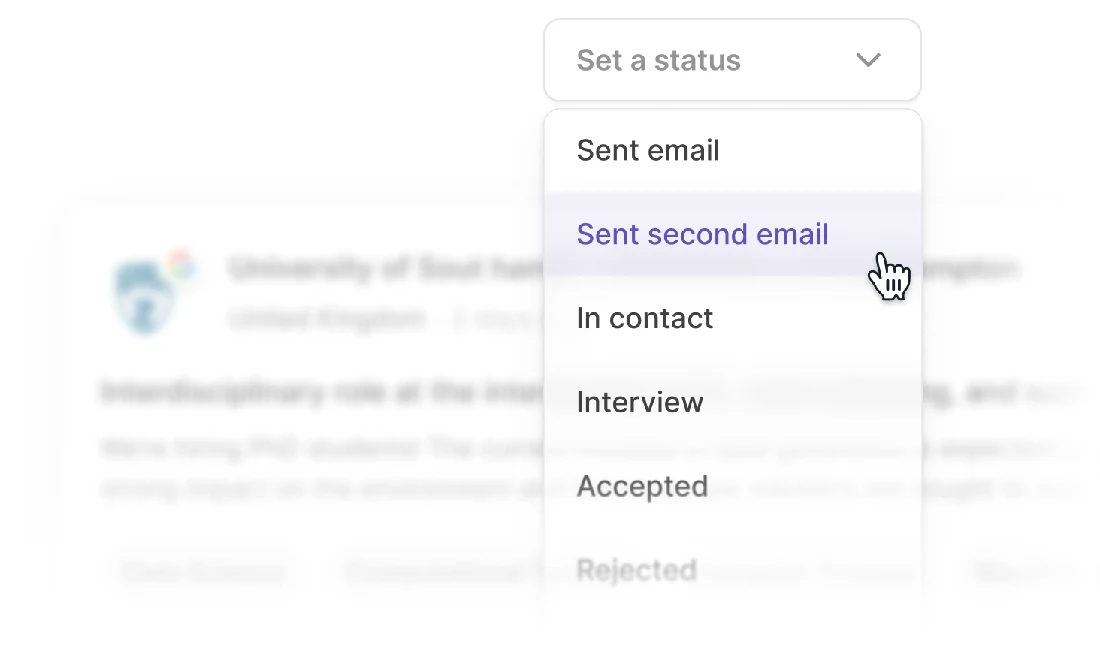
Set a status for each item so you always know where you are:
| Status | Use it when |
|---|---|
| Sent email | You've written to the professor or contact |
| Sent 2nd email | You've followed up |
| In contact | They've replied |
| Applied | You've submitted the application |
| Interview | You've been invited to an interview |
| Accepted | You have an offer |
| Rejected | It didn't work out this time |
| No response | No reply after following up |
The side panel
Select an item to open its panel:
- Note: anything you want to remember, like a contact name or a deadline.
- Eligibility: your eligibility check for it, or a button to run one.
- Documents: the emails, statements and letters you made for it.
- Chats with your Twin: your conversations about it, to pick up where you left off.
tip
The Twin reads your Tracker. Ask "Which of my applications need attention?" or "Who haven't I followed up with?"