Your documents
Every document you make with ApplyKite Twin, and every file you give it, is kept in one library, sorted into folders.
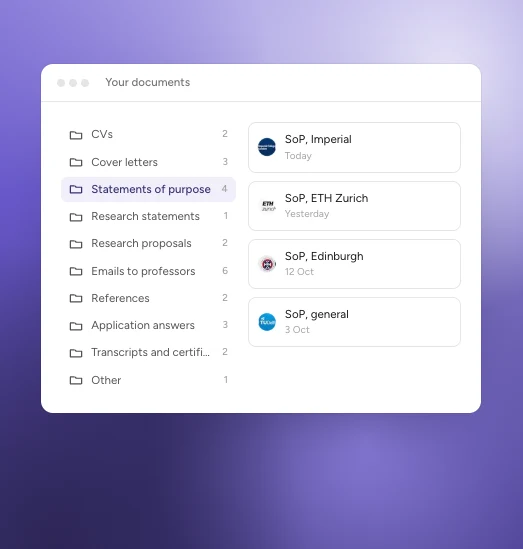
An example.
Open it from your profile picture at the bottom of the left menu, then My documents, or from the Files card on your Home.
The folders
- CVs
- Cover letters
- Statements of purpose
- Research statements
- Research proposals
- Emails to professors
- References
- Application answers
- Transcripts and certificates
- Other
New documents go into the right folder by themselves. The CV you upload and the PDF or Word files you add in a chat are kept here too.
What you can do
Open the ⋯ menu on any document to:
- Preview it
- Download it: drafts as PDF or Word, uploads as the original file
- Rename it
- Move to… another folder
- Delete it (you're asked to confirm)
To add a new file, attach it in a chat with ApplyKite Twin or upload your CV in Settings → Profile.
Your documents are private to your account.