Your CV, cover letters and other documents
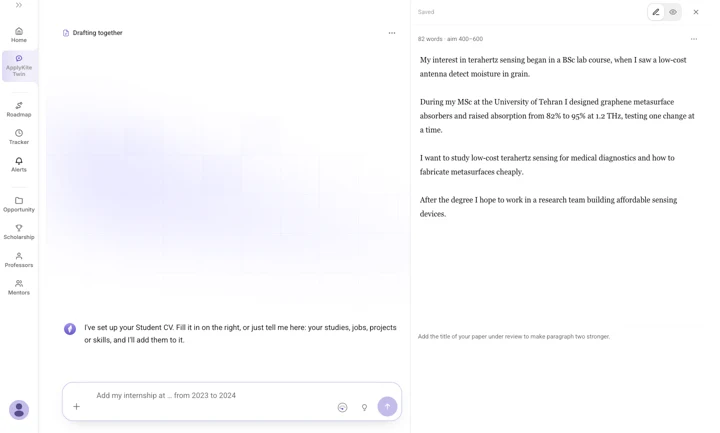
Document drafting opens a panel beside your chat. Your draft takes shape on the right while you talk to the Twin on the left. Ask it to change anything, or edit the text yourself.
Start a document
In ApplyKite Twin, select Document drafting and choose:
- CV: an academic CV or a Europass CV
- Statement of purpose: see Statement of purpose
- Cover letter: for a position or programme
- Research proposal: see Research proposal

Build your CV
- Choose a type: Academic CV or Europass.
- Choose how to start:
- Use my ApplyKite profile: start from what ApplyKite already knows about you.
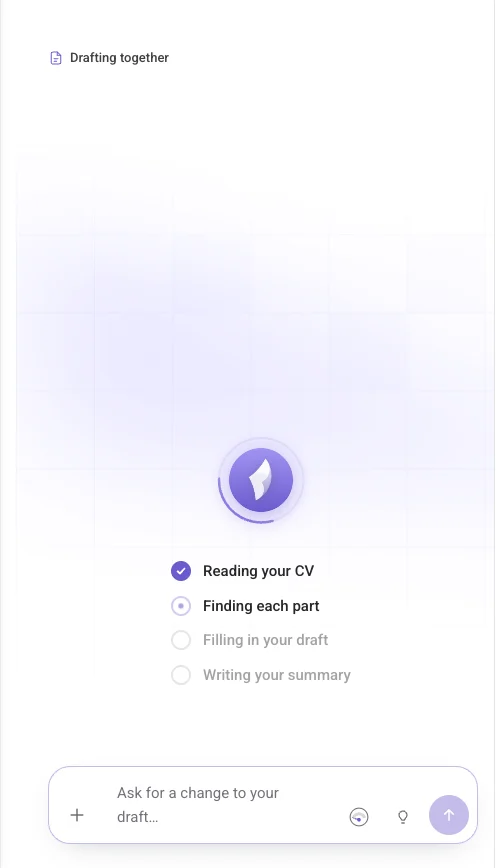
- Upload my CV (PDF or Word): the Twin reads it and fills in each part.
- Start from scratch
- Fill in the parts: Profile, Experience, Additional info, then Design. You can type in the panel or just tell the Twin, for example "Add my internship at … from 2023 to 2024."
Cover letters
On a position, select Write a cover letter in the ApplyKite Twin box, or ask in the Twin tab "Write a cover letter for [position]." The letter connects your experience to what the role asks for.
Make a file
The Twin can also make files for you, for example a spreadsheet of your shortlist with its deadlines, or a reading list. Ask "Make me a spreadsheet of…" It can make PDF, Word, Excel, CSV, HTML, Markdown and text files, and change them later.
Download
Every document you make is saved in Your documents. Download drafts as PDF or Word.