Where to apply
Not sure where to apply? Where to apply reads your research interests and compares them with the openings and papers of the last two years. It shows the universities where your work fits best, the professors working on it and the next steps.
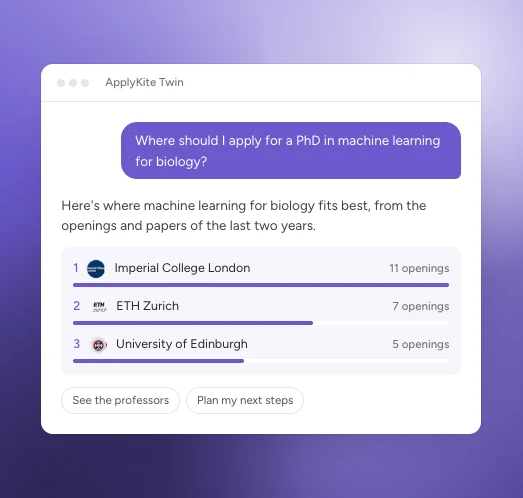
An example. Your results come from your own profile.
Start it
- Open ApplyKite Twin and select the Where to apply card, or
- ask "Where should I apply for a PhD in [your field]?", or
- on your first visit, select Start with this.
Add your CV or research interests first for the best results. See Set your goals.
What you get
A board with three tabs:
- Where to apply: the universities with the most openings and professors close to your interests, ranked. Select one to see its professors and openings.
- Your plan: the stages ahead and what to do in each.
- First steps: what to do this week. Each button asks the Twin to do it with you.
Ask for changes in the chat, for example "Only the UK and the Netherlands" or "Show me fully funded openings only."
note
For Bachelor's and Master's, the Twin suggests programmes and scholarships that fit your profile and budget.