Research proposal
A PhD proposal needs a real gap, a clear plan and real references. The Twin helps you find the idea, agrees a plan with you, then writes the proposal section by section. Every citation is a real paper.
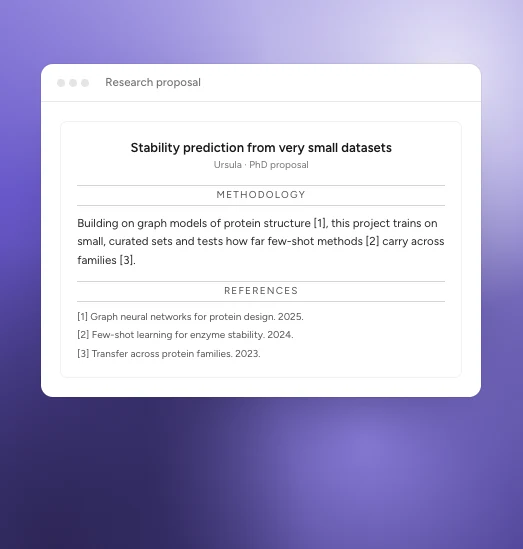
An example.
Start a proposal
In ApplyKite Twin, select Document drafting, then Research proposal. On a professor's page, you can also select Write a research proposal to build it on their work.
Choose how to begin:
- I have a research idea: describe it in a few sentences.
- Help me find a research idea: the Twin looks for gaps in recent papers in your field.
- I have an existing proposal: upload it to improve it.
1. Agree the plan
Before writing, the Twin suggests a plan: the question, the aims and the method. Change anything you like in the chat. Nothing is written until you're happy with the plan.
2. The proposal
The Twin writes seven sections:
- Abstract
- Introduction
- Literature review and research gap
- Research objectives
- Methodology
- Expected contributions
- Research timeline
It adds a reference list at the end. Proposals are usually 1,500 to 2,000 words, and you can ask for a different length.
3. Edit each section
Select a section and choose Improve, Shorten or Expand, or ask for changes in the chat. Your proposal is saved in Your documents under Research proposals, ready to download as PDF or Word.
Research ideas
Still looking for a topic? Select the Research ideas card or ask "Help me find a research idea." See Articles and research ideas.
Check every reference before you submit, and make sure the ideas are yours to develop. Your supervisor will expect you to explain every part of your proposal.