Interview practice
Rehearse your interview before the real one. The Twin plays the interviewer, asks questions for the place you applied to, and gives you feedback on every answer.
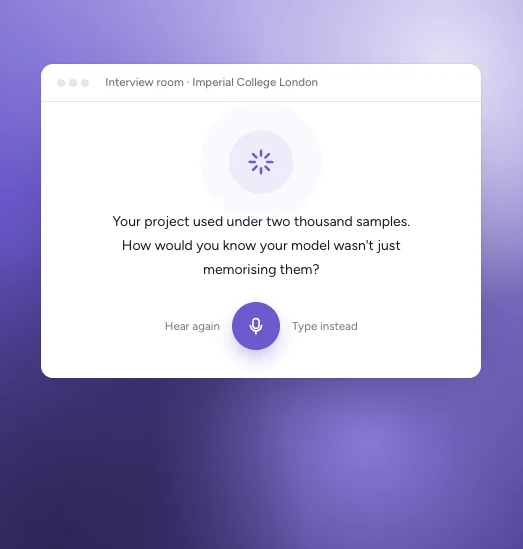
An example.
Start a practice interview
In ApplyKite Twin, select Interview practice. The Interview Room opens beside your chat.
Which interview are you preparing for?
- From my applications: pick an opportunity from your Tracker.
- Add it myself: paste the advert, or add a file about the programme.

Then choose the interviewer's style: Friendly, Professional or Challenging.
The interview
The interviewer asks one question at a time. Answer out loud, as you would in the real interview. Take your time: there's no rush between questions.
Your feedback
After each round you get feedback on every answer, marked Strong, Good or Needs work, with what to keep and what to change. Talk it through with the Twin in the chat, the debrief room, then practise again.

Practise with the Challenging interviewer a day or two before the real interview. Use the same headphones and microphone you'll use on the day.